
I’ll claim and verify your Google Business Profile, pick the best categories, and make sure your name, hours, phone, and description are spot on. I’ll optimize service and location pages with local schema, add high-quality photos, and set up tracking so you see what works. I’ll build consistent citations, earn local backlinks, and help you get and manage reviews. Keep going and you’ll see practical steps to boost visibility and customer actions.
Key Takeaways
- Claim and verify your Google Business Profile using a business-tied account and keep ownership secure with two-step verification.
- Use an exact offline business name, choose the best primary category, and keep NAP, hours, and attributes accurate.
- Collect and respond to reviews quickly; request reviews with direct links/QR codes and personalize responses.
- Add keyword-rich description, service/product lists, high-quality photos with descriptive filenames, and update Q&A regularly.
- Build consistent citations and local backlinks, monitor Insights for search terms and customer actions, and iterate weekly.
Claim and Verify Your Google Business Profile
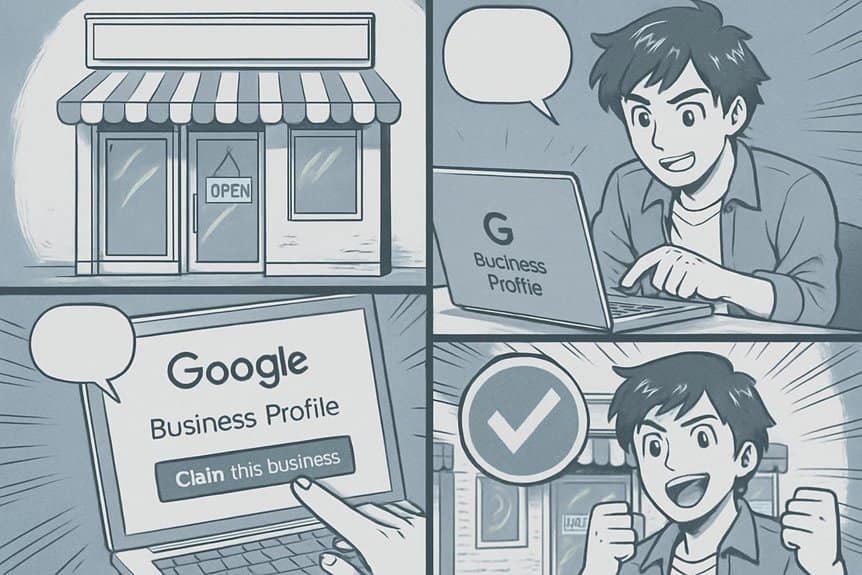
Start by claiming and verifying your Google Business Profile so you control how your business appears across Google Search and Maps.
After you claim it, follow Google’s verification steps—postcard, phone, email, or instant verification—so your listing becomes trusted and visible.
Use an account tied to your business and confirm ownership promptly to avoid delays.
Once verified, monitor the dashboard regularly for verification status, ownership transfers, and notifications.
Keep access limited to trusted team members and enable two-step verification on the account to protect it.
If verification fails, follow appeal instructions and provide required documents like utility bills or business licenses.
Verifying establishes legitimacy, grants editing rights, and lets you respond to reviews, post updates, and manage location settings.
Optimize Your Business Information and Categories
Once you’ve verified your profile, optimize every field people see so Google and customers clearly understand what you do. Fill your business name exactly as used offline, pick the most relevant primary category, add secondary categories that reflect services, and write a concise, keyword-rich description. Keep hours, phone, website, and attributes accurate; update seasonal changes. Use service and product lists to surface search terms. Add high-quality photos labeled with descriptive filenames. Monitor Q&A and answer promptly with consistent information.
| Field | Action |
|---|---|
| Business Name | Use official, no-keyword-stuffing name |
| Primary Category | Choose the most specific match |
| Secondary Categories | Add complementary services |
| Hours & Attributes | Keep current, include special hours |
| Photos & Products | Upload clear images, label and list products |
Gather and Manage High-Quality Local Reviews
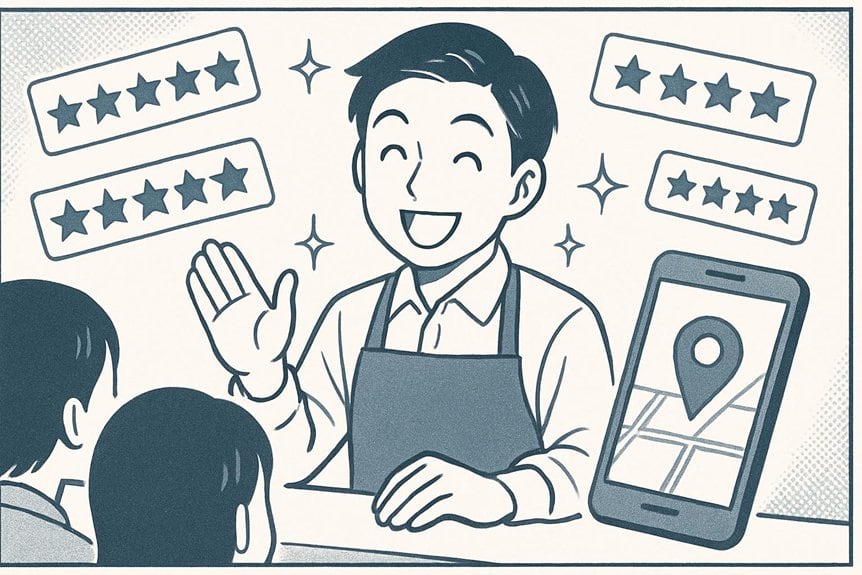
You should ask customers for reviews naturally after a positive interaction, like at checkout or in a follow-up message.
Make leaving reviews easy by sending direct links and clear instructions.
Always respond to every review — thank positives and address negatives promptly and professionally.
Ask for Reviews Naturally
Often, the easiest way to get more Google Maps reviews is to ask naturally—right after a positive interaction, through a simple follow-up message, or when you hand over a completed job—so customers feel comfortable sharing their experience.
When you ask, be specific and sincere: mention what they might comment on (service, timeliness, outcome) and explain that their feedback helps others and supports your small business.
Train staff to recognize happy customers and prompt a brief request without pressure.
Personalize requests by using the customer’s name and referencing the job or product.
Finally, thank reviewers publicly and privately to show you value their time and to encourage repeat engagement without incentivizing or manipulating the review itself.
Make Leaving Reviews Easy
Regularly streamline the review process so customers can leave feedback in seconds rather than minutes.
Make it simple: provide direct links to your Google review page in emails, receipts, SMS, and on your website.
Use QR codes at checkout or on printed cards so mobile users tap and go.
Pre-fill instructions or tiny prompts—“Tap stars, add a line”—so people know what to do without thinking.
Offer multiple channels but point them to Google for ranking benefits.
Test every link and QR code monthly to avoid broken paths.
Keep your review page fast and mobile-friendly; slow pages kill conversions.
Finally, remind staff to mention the one-step review option after service so customers leave feedback while the experience is fresh.
Respond to Every Review
Always respond to every review—positive or negative—because it shows you’re attentive and builds trust with both the reviewer and future customers.
Thank reviewers, highlight specifics they mentioned, and reinforce what sets your business apart.
For negative feedback, apologize sincerely, explain corrective steps, and invite offline conversation to resolve issues; that shows accountability without airing disputes publicly.
Keep replies concise, professional, and consistent in tone.
Use templates for efficiency but personalize each message so it reads authentic.
Timely responses matter — aim for 24–72 hours. Monitoring tools and notifications help you stay on top of incoming reviews.
Regular, thoughtful engagement improves customer perception and signals to Google that your listing is active and deserving of higher visibility.
Build Consistent Local Citations and Directories
Because search engines cross-check listings to verify your business, building consistent local citations and directory entries is essential for improving your Google Maps ranking.
Start by auditing existing citations—name, address, phone (NAP), website, and hours—and fix inconsistencies across platforms.
Claim and update major directories (Google Business Profile, Bing Places, Yelp) and niche or local ones relevant to your industry.
Use identical formatting and abbreviations to prevent mismatches.
Add complete, accurate categories and a short description where allowed.
Remove duplicate or old listings that fragment signals.
Track changes with a simple spreadsheet or citation tool so updates stay synchronized.
Regularly revisit top directories after moves, number changes, or rebranding to maintain trust and local visibility.
Improve On-Page Local SEO and Location Pages
Once your citations are consistent, optimize the pages on your website so searchers and Google Maps see the same local signals. Create dedicated location pages for each service area or storefront, using clear NAP (name, address, phone) markup and schema/localBusiness structured data.
Write concise, unique descriptions highlighting neighborhood-specific services, hours, and directions. Include a static embedded Google Map, customer-focused photos, and a contact form or click-to-call button.
Use descriptive title tags and meta descriptions with city or neighborhood keywords without keyword stuffing. Make certain mobile speed and crawlability—minify assets, use responsive design, and implement canonical tags for duplicate content.
Finally, internally link location pages from your homepage and service pages so authority flows to each local page.
Earn Local Backlinks and Community Signals

When you build local backlinks and community signals, you boost your Google Maps visibility and show Google that your business is a trusted part of the neighborhood. Reach out to local blogs, chambers of commerce, suppliers, and partners for mentions or links to your site.
Sponsor events, join community groups, or provide scholarships to earn citations and social proof. Encourage customers to share photos and check-ins on social platforms—those interactions signal relevance.
List your business in reputable local directories and assure consistent NAP (name, address, phone) across citations. Guest-post on nearby business sites and collaborate on local content that naturally links back to you.
Monitor link quality: prioritize relevance and authority over sheer quantity to avoid penalties and maximize local ranking impact.
Monitor Performance and Use Google Business Insights
Regularly check your Google Business Profile Insights to see how customers find and interact with your listing, and use those metrics to guide adjustments. You’ll spot trends in searches, views, and actions—so act on them.
Regularly review Google Business Profile Insights to spot search, view, and action trends—and use them to improve your listing.
Track queries that bring traffic, which photos get clicks, and whether calls or direction requests rise after updates.
- Analyze search terms to refine your primary and secondary keywords.
- Compare photo views and engagement to prioritize visual updates.
- Monitor customer actions (calls, website clicks, direction requests) to judge campaign impact.
- Review customer demographics and times of activity to optimize hours and posts.
Use these insights weekly to test changes, iterate quickly, and improve your Google Maps visibility.
Frequently Asked Questions
How Long Does It Take to Rank on Google Maps?
You’ll often see improvements within 2–8 weeks, but competitive local rankings can take 3–6 months or longer; you’ll need consistent optimization, accurate listings, reviews, local links, on-page SEO, and ongoing monitoring to keep momentum.
Can I Rank Without a Physical Storefront?
Yes — you can rank without a physical storefront. You’ll use a service-area Google Business Profile, verify it, optimize your listing with accurate service areas, keywords, citations, reviews, local content, and consistent NAP across directories.
Do Google Posts Affect Map Rankings?
Yes, they help: they boost visibility, they boost engagement, they boost relevance — you’ll attract clicks, you’ll share updates, you’ll signal activity to Google, so post regularly, use images and CTAs, and track performance for improvements.
Should I Respond to Negative Reviews Publicly?
Yes — you should respond to negative reviews publicly. You’ll show empathy, address concerns, and demonstrate professionalism; doing so can rebuild trust, encourage resolution, and signal to potential customers and Google that you care about service quality.
Is Paid Advertising Better Than Organic Map Optimization?
68% of local searches lead to store visits, so paid ads boost visibility fast, but organic map optimization builds lasting trust. You’ll want both: use ads for immediate traffic while investing in local SEO for sustained growth.
Conclusion
Claim and verify your profile, optimize every detail, gather honest reviews, and build consistent citations; improve on-page local SEO, earn community backlinks, and monitor insights. Do these things consistently, do them with intent, and do them while listening to customers. You’ll boost visibility, strengthen trust, and attract more local searches. Start small, act often, measure results, and refine strategy — because steady, focused effort turns maps listings into reliable, repeatable local growth.