
Make asking for reviews a routine part of appointments by training staff to mention it at check‑out or follow‑up, then send one‑tap, personalized Google links via SMS or email within an hour. Coach your team to ask naturally and ethically, use QR codes or a mobile landing page to remove friction, and respond to every review while fixing recurring issues. Do these five steps consistently, and you’ll start seeing more positive reviews and learn practical ways to scale them.
Key Takeaways
- Train staff to ask for reviews at consistent touchpoints (check-out, follow-up) using short, scripted language.
- Send personalized, mobile-friendly review links via SMS or email within an hour after appointments.
- Provide one-click Google review URLs, QR codes, or an in-office tablet to remove friction.
- Regularly train and role-play ethical asking techniques; never pressure or offer incentives.
- Respond to every review professionally and use feedback to improve patient experience.
Make Asking for Reviews a Simple Part of Your Patient Workflow
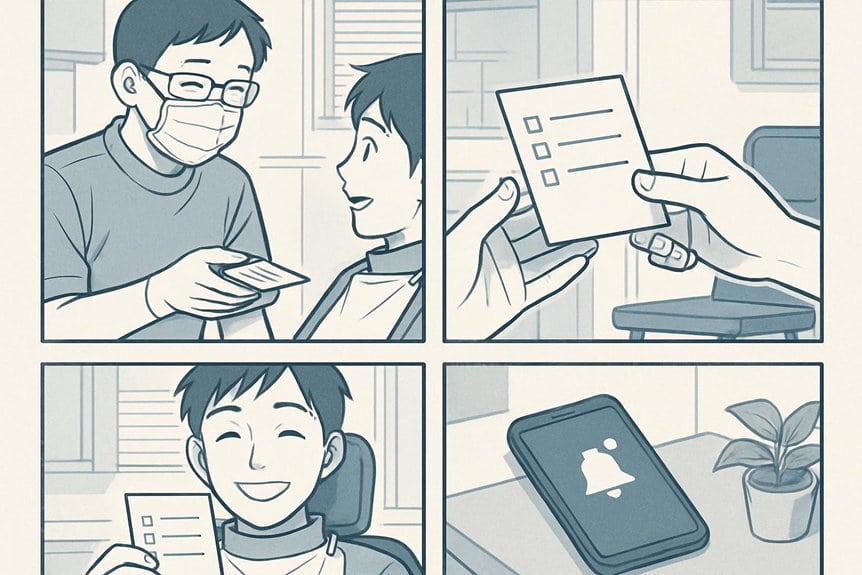
Make asking for reviews a routine part of your patient workflow so it happens naturally, not as an afterthought.
Train staff to mention reviews at consistent touchpoints—check-in, post-treatment instructions, and follow-up calls—so every patient hears the same clear request.
Use short, scripted language your team can repeat confidently: thank them, note that feedback helps others, and invite a quick review.
Keep the ask brief and timely, ideally when satisfaction is high.
Track who was asked to avoid duplication and follow up once if they didn’t respond.
Empower front-desk staff and hygienists with simple prompts in your practice management system so asking becomes automatic.
Small, consistent habits will steadily increase authentic reviews without pressuring patients.
Send Easy, Personalized Review Links After Appointments
Cut down friction by sending personalized review links right after appointments so patients can leave feedback when their experience is fresh.
You’ll boost response rates by making the process one-click simple, and you’ll show patients you value their time.
Send links via SMS or email within an hour, include the provider’s name, and keep the message short and friendly.
Automate follow-ups for non-responders but limit frequency.
- Use a direct Google review URL that opens on mobile
- Personalize messages with the patient’s name and clinician
- Mention the appointment date to jog memory
- Provide a thank-you and estimated time to complete
- Track which messages convert so you can refine timing
This approach increases authentic reviews without pressuring patients.
Train Your Team to Request Reviews Naturally and Ethically

Regularly train your front-desk and clinical staff to ask for reviews in a natural, ethical way so requests feel genuine rather than scripted. Teach simple phrasing, when to ask, and how to respect patient comfort. Role-play common scenarios so team members handle hesitant patients gracefully. Emphasize honesty: never offer incentives or pressure anyone. Track progress in staff meetings and celebrate steady improvements.
| Scenario | Suggested Phrase | When to Ask |
|---|---|---|
| Happy check-out | “If you liked today, a quick Google review helps others.” | At checkout |
| Thank-you follow-up | “Would you share your experience online?” | During follow-up call |
| Routine visit | “Your feedback helps our care.” | After treatment |
| Concern resolved | “Glad we helped—would you review us?” | Post-resolution |
Keep scripts short, authentic, and patient-centered.
Remove Friction: Optimize Mobile and In-Office Review Options
Don’t let a clunky process stop patients from leaving a review — streamline the path so it’s fast and obvious. Make leaving a Google review as effortless as possible by optimizing for mobile and offering in-office options. Use clear CTAs, one-click links, and short instructions so patients don’t get confused. Keep the ask timely—right after treatment or at checkout—when satisfaction is high. Test the flow regularly to remove dead links or slow pages.
- Create a short, mobile-friendly review landing page with a direct Google link
- Send an SMS with a single tap-to-review button after appointments
- Display a QR code at the front desk and in treatment rooms for instant access
- Train staff to offer the link quickly and confidently
- Monitor and fix broken links or redirect issues immediately
Respond to Reviews and Use Feedback to Improve Care

Once you make it easy for patients to leave reviews, respond to them promptly and use their feedback to improve care.
Thank every reviewer, acknowledge specifics, and address concerns professionally — this shows you value patient voices and encourages others to post.
For negative reviews, apologize for the experience, offer to discuss offline, and explain steps you’ll take to prevent recurrence without violating privacy.
Share recurring themes with your team and implement measurable changes: scheduling tweaks, clearer treatment explanations, or updated hygiene protocols.
After improvements, invite follow-up feedback from affected patients.
Consistent, thoughtful responses boost credibility, demonstrate continuous improvement, and can turn dissatisfied patients into advocates.
Track trends to prioritize initiatives and refine patient experience over time.
Frequently Asked Questions
Can You Offer Incentives for Google Reviews Without Violating Policies?
No, you can’t offer incentives for Google reviews — that violates policy. You should ask all patients for honest feedback, make leaving reviews easy, respond professionally, and encourage reviews through service excellence and neutral reminders.
How Do Negative Reviews Affect Local Search Rankings?
Could negative reviews hurt your rankings? Yes — they can lower click-through and local relevance, but you’ll recover by responding professionally, addressing issues, gaining fresh positive reviews, and maintaining accurate listings to reassure search engines and patients.
Can Former Patients Be Asked to Leave Reviews?
Yes — you can ask former patients to leave reviews, but you should get their consent, avoid pressure or incentives, follow platform guidelines, and provide simple instructions or links so they can easily share honest feedback about their experience.
What’s the Best Time Interval After Treatment to Request a Review?
Right after a smooth, satisfying visit—within 24–72 hours—works best. You’ll strike while the experience’s fresh, while patients remember details, while appreciation’s high, increasing response rates by asking promptly, politely, and with an easy review path.
How Do Fake Review Reports and Disputes Get Handled?
You report fake reviews through Google’s Business Profile, and they’ll investigate; you can also flag reviews as policy-violating, submit evidence, and if unresolved, escalate via support or legal channels while documenting everything to strengthen your dispute.
Conclusion
Make asking for reviews part of your routine, send simple personalized links after appointments, train your team to ask naturally and ethically, remove friction with mobile and in‑office options, and respond to feedback to improve care. Do these things consistently, do them thoughtfully, and do them respectfully — and you’ll build trust, boost visibility, and sharpen patient experience. Keep it easy, keep it personal, keep it honest, and watch your practice grow.